Getting More out of Poppy
Updates
After asking people how they were using Poppy, one pattern stood out: a lot of users were working hard to do things Poppy could already do the easy way.
This update is about getting more out of what is already in your pocket, plus a look at how Poppy starts becoming more useful when it can understand more of your day.
Three Ways To Get More Out Of Poppy
Teach it about the people in your life. Text Poppy something like “remember my mom’s birthday is March 3rd and she’s gluten-free.” Poppy holds onto that. You can also add more facts manually in the app.
Ask it where your money went. Try “How much did I spend on coffee this month?” or “What were my biggest charges last week?” With the Mac app installed, Poppy can read your Apple Pay history and break it down without opening a spreadsheet or budgeting app.
Tie a reminder to a place, not a time. “Remind me to call my wife when I leave work” fires when you actually head out, not at a time you guessed in advance. The same works for things like “tell me to grab the dry cleaning when I get near home.”
More Context, Better Help
The most common request sounds like: “I wish Poppy could just look at my ___.” The next step is giving Poppy more of the context your day actually runs on.
Google Workspace. Drive, Docs, Sheets, and Slides, so Poppy can help dig out a file, create a spreadsheet, or summarize a document from iMessage.
Notion. Notes, docs, and databases, so Poppy can drop a thought into the right page, pull up something you wrote, or check a list without opening the app.
Once Poppy can see more of the systems you already use, reminders, briefings, and “what’s next?” all get more useful.
Feature Spotlight
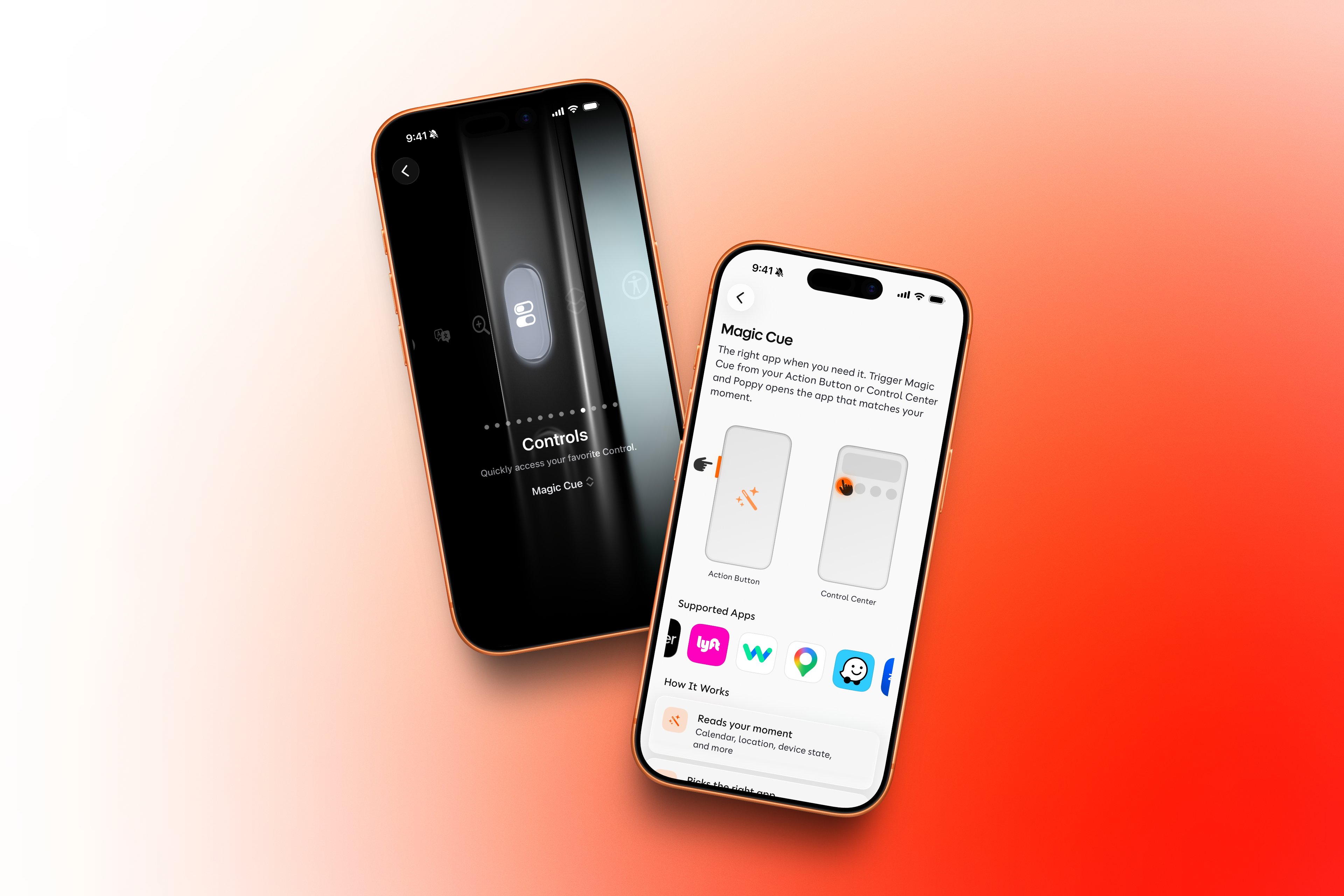
Magic Cue: the right app, before you reach for it
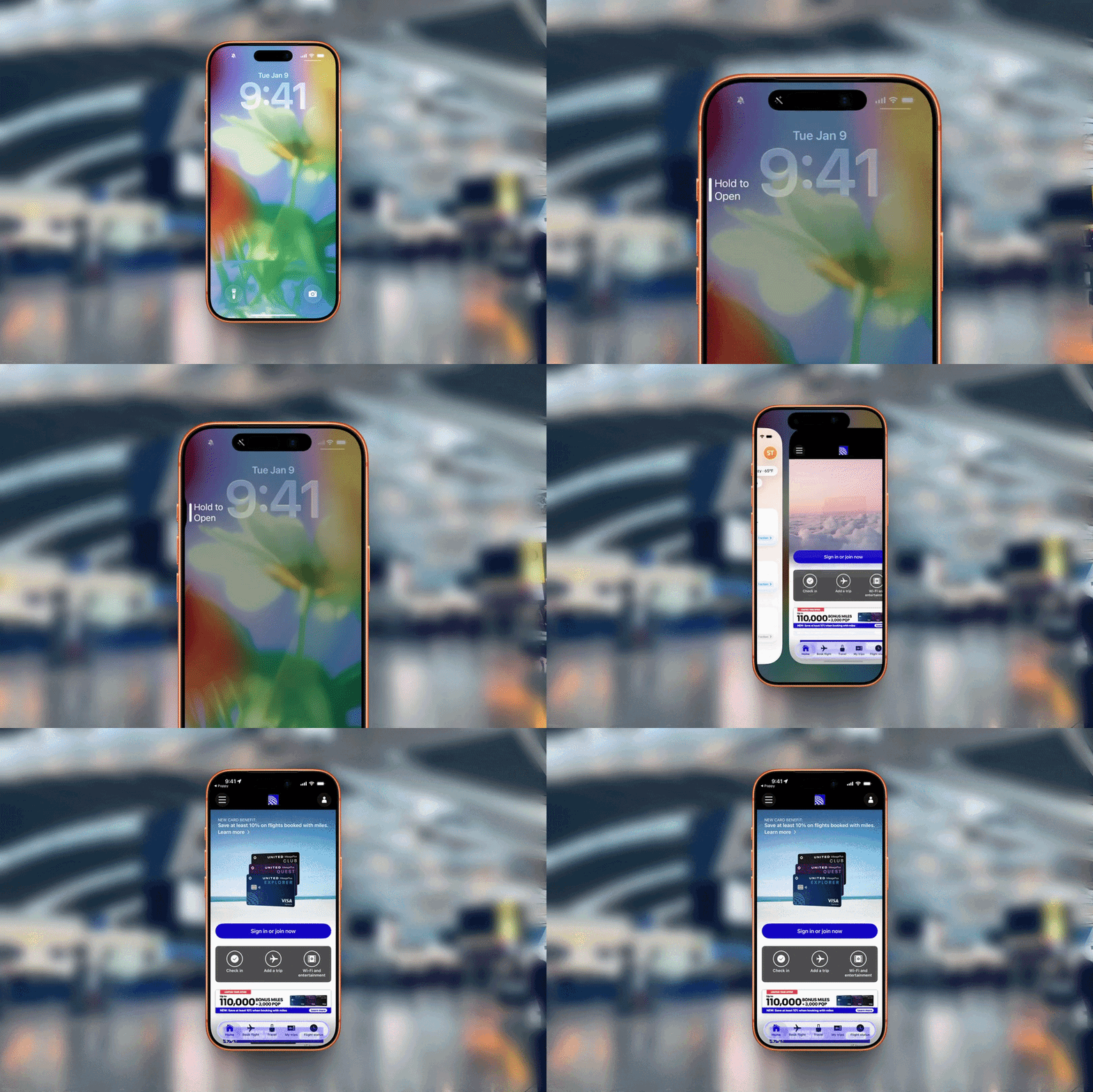
Your phone already has the right app for the moment. You just have to remember it exists, find it, and open it. Magic Cue does that part for you.
Heading to a meeting across town? Poppy can put Uber one tap away. Dinner-order time? DoorDash can be ready. Zoom link for the next call, playlist for the commute, reservation app near the restaurant: the right thing shows up when it is useful, then gets out of the way.
It is the same idea behind everything we build: the right thing at the right moment, so you can stop digging through your home screen and get back to your day.
Less phone.
Stay up to date with us
© 2026 Second Nature Computing, Inc.